One idea. Many possibilities.
Create images and videos with the Flow models available to your account. Start with a prompt, frames or reference ingredients.
Explore video generation, batch queues, separate Google profiles, local characters, voices and lower-memory waiting in GFlow4AI.
Create images and videos with the Flow models available to your account. Start with a prompt, frames or reference ingredients.
Batch your prompts. Rotate across eligible profiles, track progress and bring downloaded results into one local library.
Each Google profile has its own real Chrome session and optional proxy. View and control the browser from the app.
Keep original character images and voice selections on your machine. The app creates profile-specific Flow bindings when needed.
After Flow accepts supported video jobs, optionally close Chrome while the app reads progress and downloads results. Keep-open remains the default.
Optional local MCP and REST access shares the same durable queue, ownership checks and protection against duplicate submission.
The app uses real Chrome to submit jobs through Flow. Lower-memory waiting begins only after supported jobs are accepted. Google still controls account access, credits and generation limits.
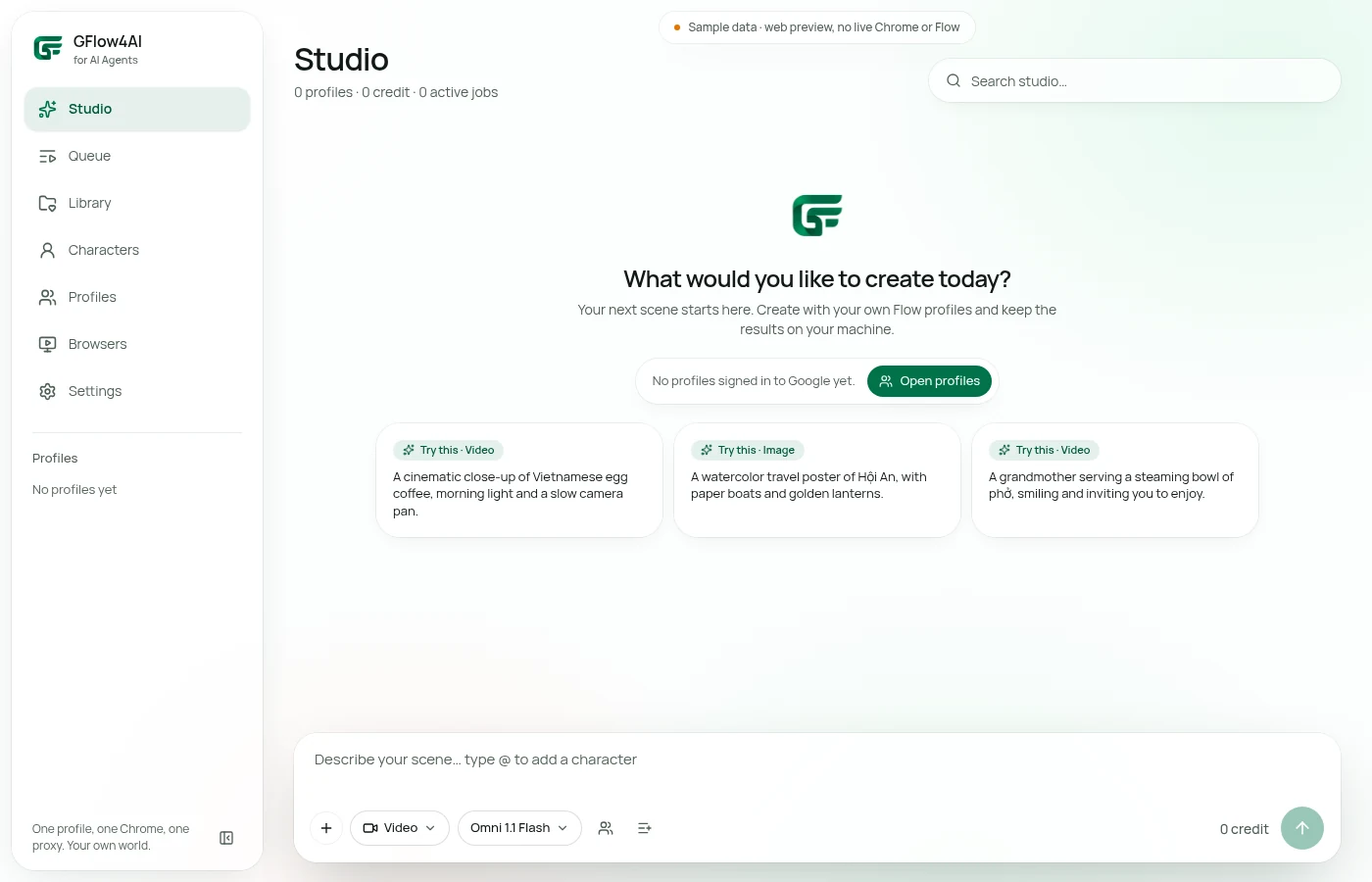
Direct capture of the UI shared with the Windows app, in web sample state; not a reconstructed interface.