01
Set up your workspace
Download the portable Windows app and install Google Chrome. Keep the app in a writable folder and open FlowStudio.exe.
Install the Windows app, sign in to your own Google accounts, create through Flow and keep results in your local library.
Download the portable Windows app and install Google Chrome. Keep the app in a writable folder and open FlowStudio.exe.
Add a profile, optionally configure a proxy, then sign in to Google yourself in the external Chrome window.
Choose a model your account supports, queue prompts and review results in your local library. Flow credits and restrictions still apply.
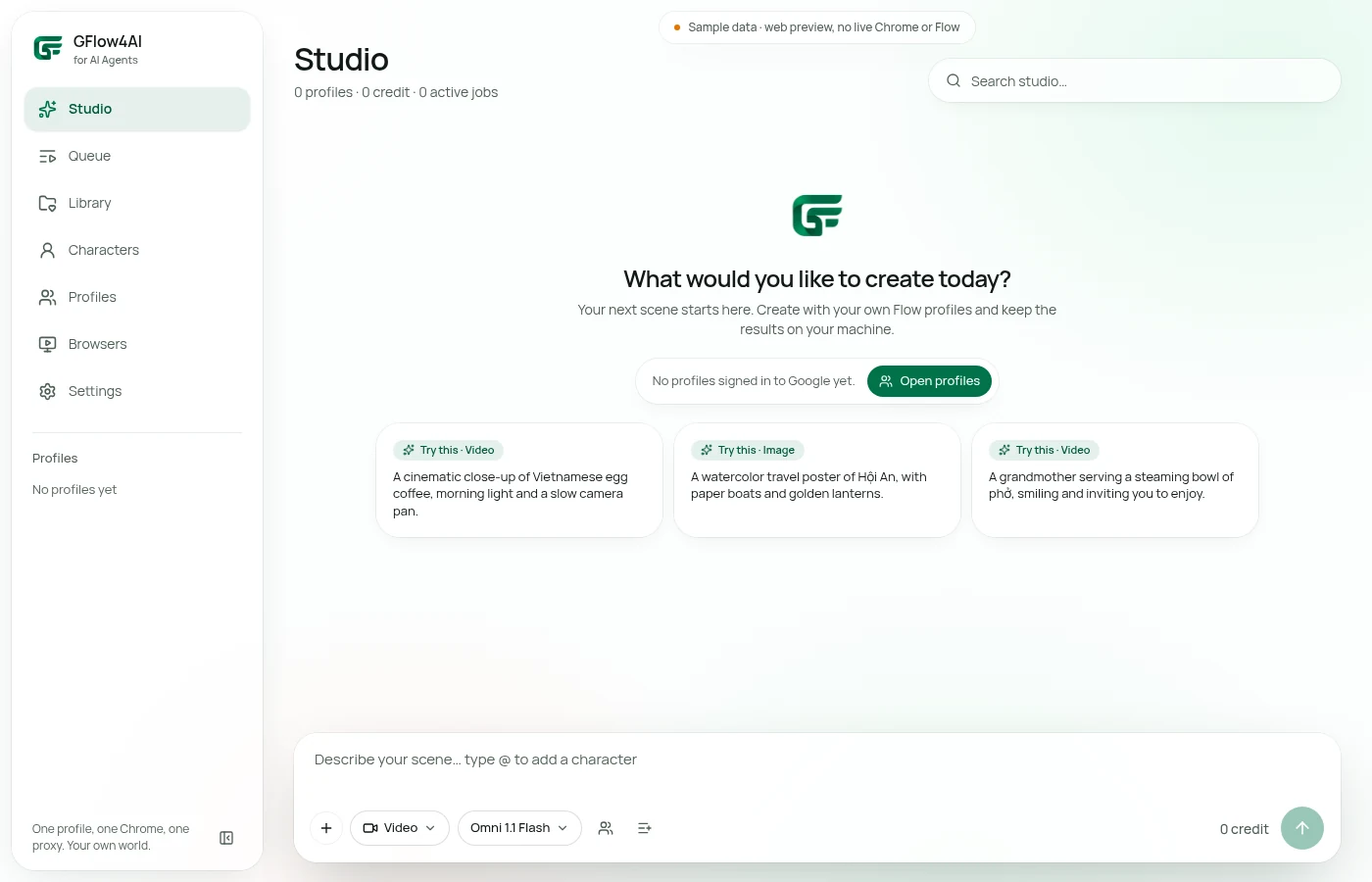
Direct capture of the UI shared with the Windows app, in web sample state; not a reconstructed interface.