Editing
Creative B-roll
Generate supplementary shots and export downloaded files to your preferred editing application.
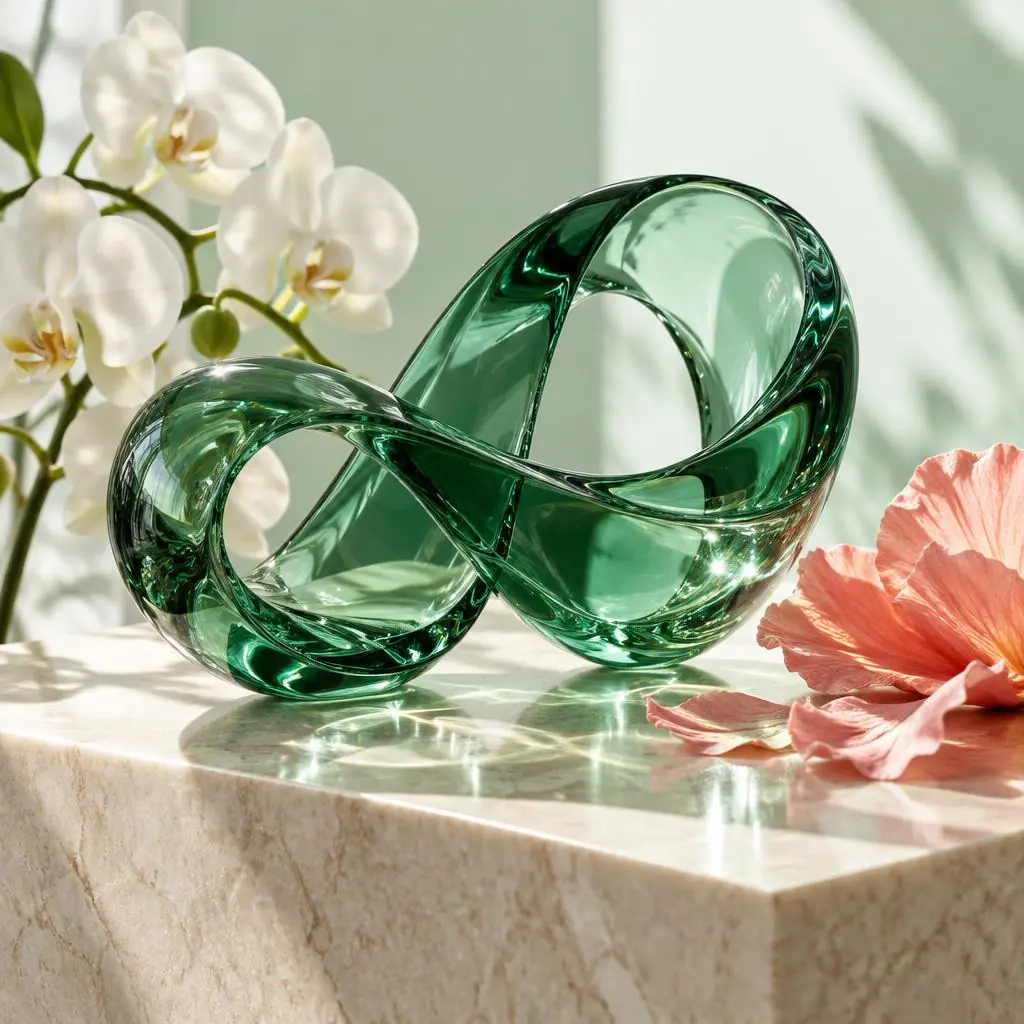
Illustrative concept, not evidence of app-generated video.
Start with your own material
Prepare an idea, owned reference images and a suitable aspect ratio. Use only authorized content and choose a model available in your Flow account.
A starting prompt
Close-up of translucent green glass, orchids and reflected light. Slow macro shot.
From concept to a finished piece
- Choose a profile and create one trial job in Studio.
- Review each take for scene, character, voice and content rights.
- Queue needed variations and check credits before running.
- Download files and edit/assemble audio in your preferred external tools.
This is a suggested workflow, not a promise that output matches the concept. Flow can return fewer takes or refuse a job; the app is not a full video editor.
← All use cases